MonsterVerze Avatar & Monster Customization
Build undead fashion with Dress Up layers, colors, and creature parts.
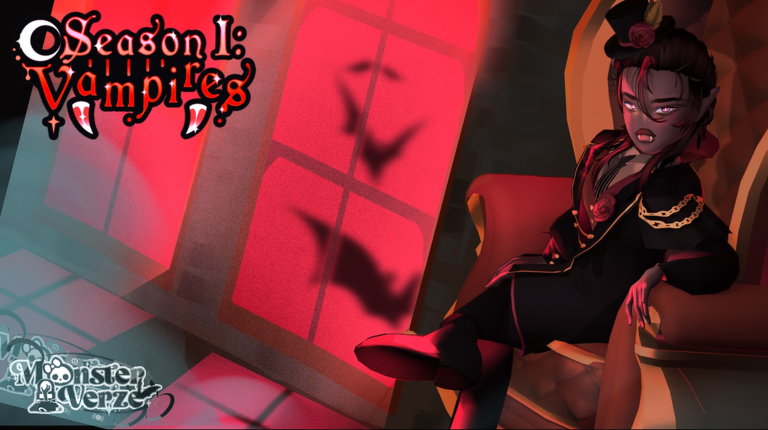
Customization is the heart of MonsterVerze. PlayGirldom’s afterlife fashion RP gives you body morphs, hair, faces, layered clothing, color/pattern controls, and monster parts—fangs, wings, tails—so every avatar can feel like a different cryptid celebrity. This guide explains how to approach Dress Up during early access / BETA, what to unlock first with free Ghoulars, and how customization connects to trains, shops, Halos, and decals without turning your closet into chaos.
Open Dress Up the right way
Reach the open world, tap the iGhost phone, and open the Dress Up app (iGhost Phone). Edit in short loops: change one category, step back in third person, then adjust lighting by moving between Eerie High interiors and the Graveyard station plaza (Locations & Trains). Good fashion needs good staging; do not judge a look only in a dark hallway.
Body structure first
Start with body type and proportions before buying a full wardrobe. A silhouette that matches your intended vibe (elegant haunt, street ghoul, vamp editorial) prevents wasted Ghoulars on clothes that fight your mesh. Revisit body sliders after major patches—BETA morph tools sometimes expand mid-season.
Hair and face
Hair frames every screenshot. Pick a hero style, then use color and pattern tools to match skin and outfit accents. Faces carry expression packs and makeup-like options; keep contrast readable so eyes and mouth stay visible under dramatic lighting. If a hair dye looks muddy, reduce competing patterns on the top clothing layer.
Clothing layers and shop strategy
Clothing usually stacks as underlayers, outerwear, bottoms, shoes, and accessories. Buy staples with starter Ghoulars from Free Ghoulars & Bundles, then redeem Codes for extras. Prefer pieces that recolor well over one-off novelty spam. After each purchase, equip in Dress Up immediately so you know whether the item clips with wings or tails.
Colors and patterns
MonsterVerze lets you push colors and patterns across clothes and often hair. Limit yourself to a two- or three-color palette per look so patterns do not turn into noise. Save a “clean” palette and a “party” palette mentally—swap when you enter social hangouts versus questing. Pattern density should drop when you add busy monster parts.
Monster parts: fangs, wings, tails
Creature add-ons sell the fantasy. Fangs read up close in emotes; wings dominate back silhouettes and may clip long hair; tails change how coats and skirts hang. Equip one hero part first, then support pieces. If wings obscure a Halo later, toggle parts during photos. Premium Halos and VIM exclusives still need the VIP track (Halos, VIM & Gems)—parts alone do not create Halos.
Custom decals as the advanced layer
When you outgrow stock textures, Custom Decals covers uploading personal art onto compatible pieces. Use decals for logos, lace overlays, or eye details—but keep Roblox community standards in mind. Pair decals with restrained color palettes so art remains the focus.
Outfit goals for the first week
- Tutorial-ready look that does not block combat animations (Getting Started).
- Social hangout look for Graveyard / station photos.
- Questing look with clearer silhouette for movement.
- Optional premium flex once VIM/Halo pieces exist on your account.
Track inspiration from Players and rank desirability on the Tier List, but remix instead of cloning—MonsterVerze rewards recognizable personal brands.
Budgeting fashion without burnout
Spend free Ghoulars on versatile bases, not every new drop. Hold a reserve for patch shops announced on Updates. Skip Robux packs until free claims and codes are exhausted. If you buy VIM for Gems, plan which Gem shop rows support your silhouette instead of impulse-rolling every gacha.
Common customization mistakes
- Equipping every unlock at once until the avatar becomes unreadable.
- Ignoring clipping between wings, tails, and long coats.
- Judging colors only in one lighting condition.
- Buying Halo-adjacent rumors with soft currency that cannot purchase Halos.
- Forgetting to reclaim limited free sets that include unique meshes.
Workflow checklist
- iGhost → Dress Up → set body.
- Lock hair + face.
- Add clothing layers with a tight palette.
- Attach one monster part, then refine.
- Optional decals.
- Photo test at station and Eerie High.
- Adjust using Shop purchases or codes.
Cross-wiki links
Return to the Guides Hub for sibling walkthroughs, keep Links for official group pages, use Tools if helpers appear, and avoid shady automation on Scripts that can risk accounts. Customization depth will grow through BETA—revisit this page when new morph categories ship, and keep dressing like the afterlife’s main character.
Frequently Asked Questions
Quick answers for codes, fashion, and BETA systems.
Where do I customize my MonsterVerze avatar?
Open the iGhost phone and use the Dress Up app to edit body, hair, face, clothing, colors, patterns, and monster parts.
Can I add fangs, wings, and tails?
Yes. Monster parts are part of Dress Up body/creature options. Equip thoughtfully to avoid clipping with hair and coats.
Do I need VIM to customize?
No. Core Dress Up works with free and Shop items. VIM adds Gems, seasonal rewards, and Halo gacha access on top.
How do custom images work?
Use the Custom Decals guide for uploading art onto compatible pieces while following Roblox rules.